





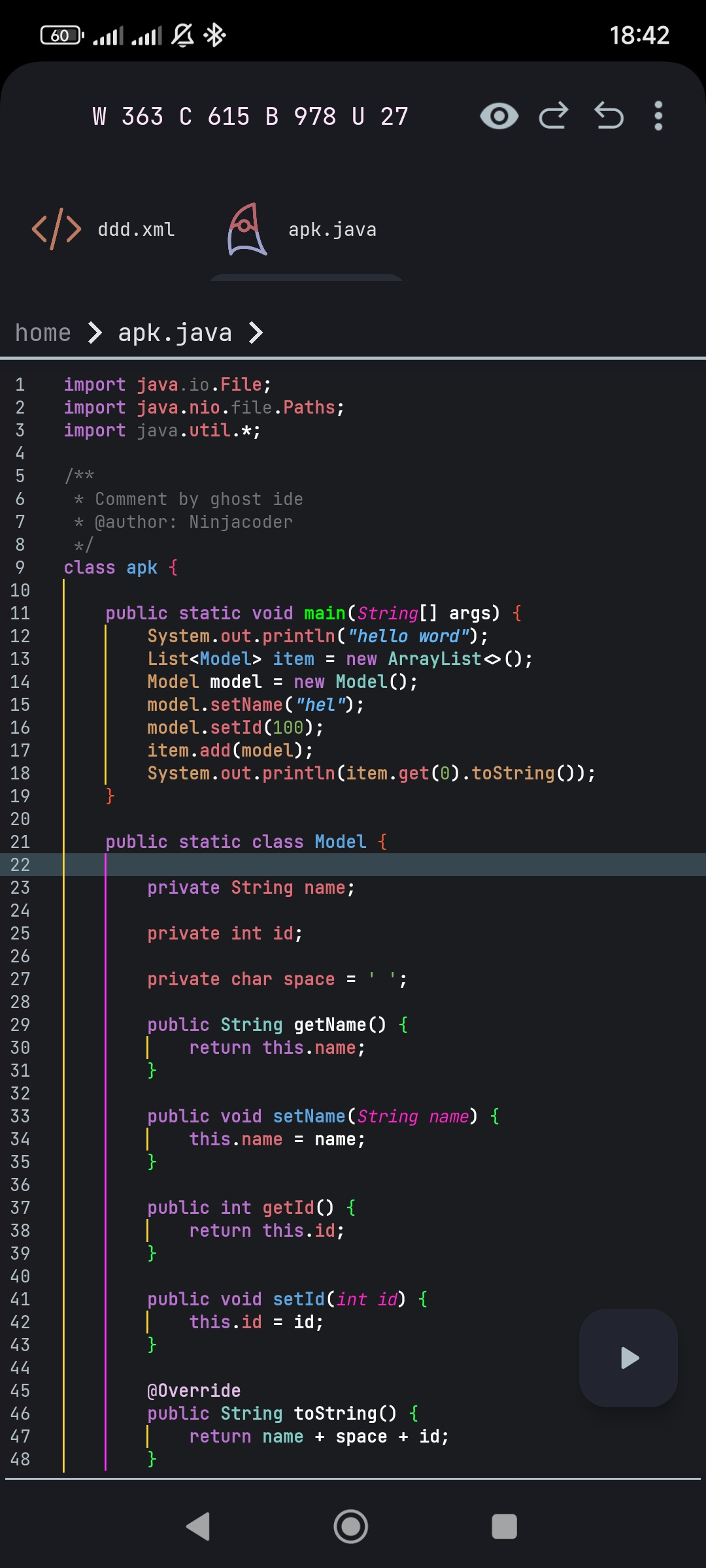
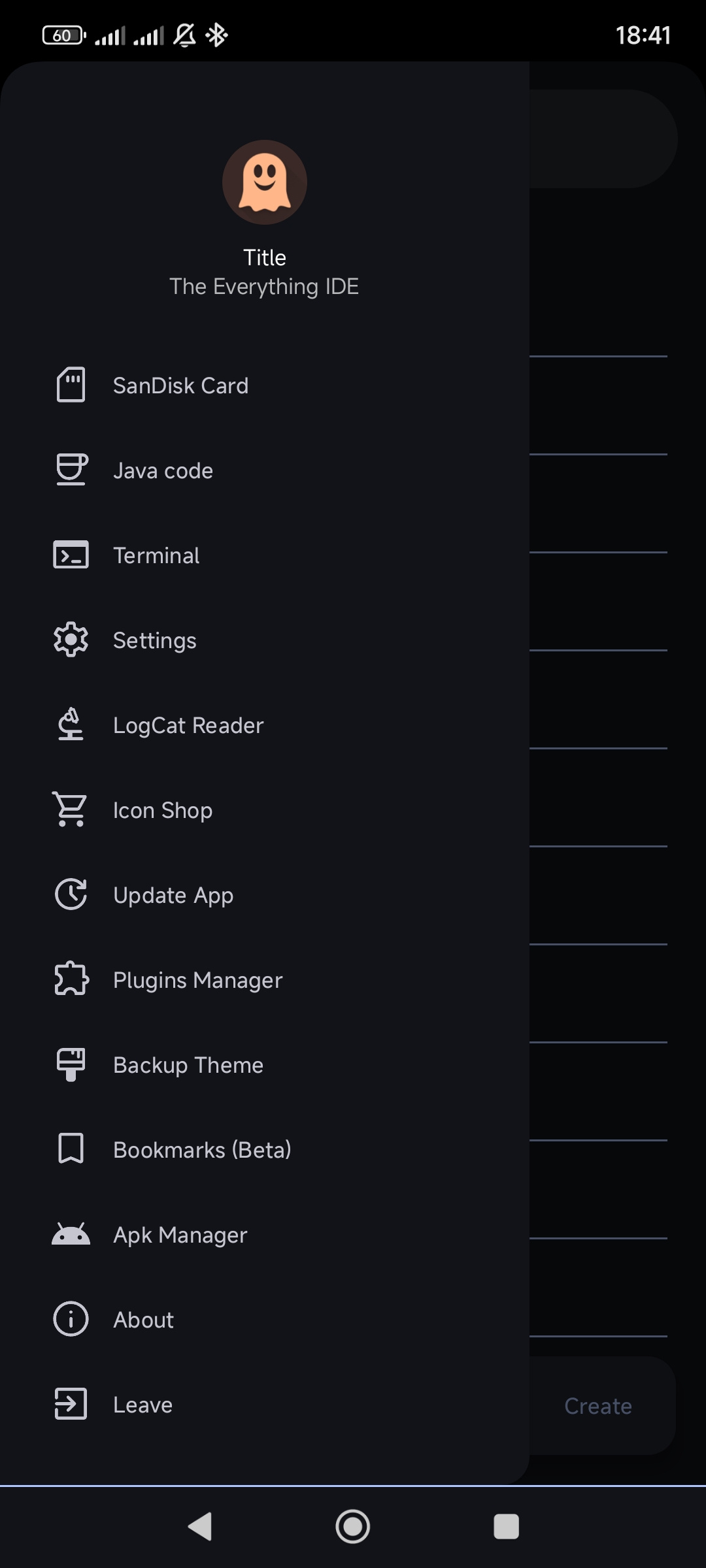
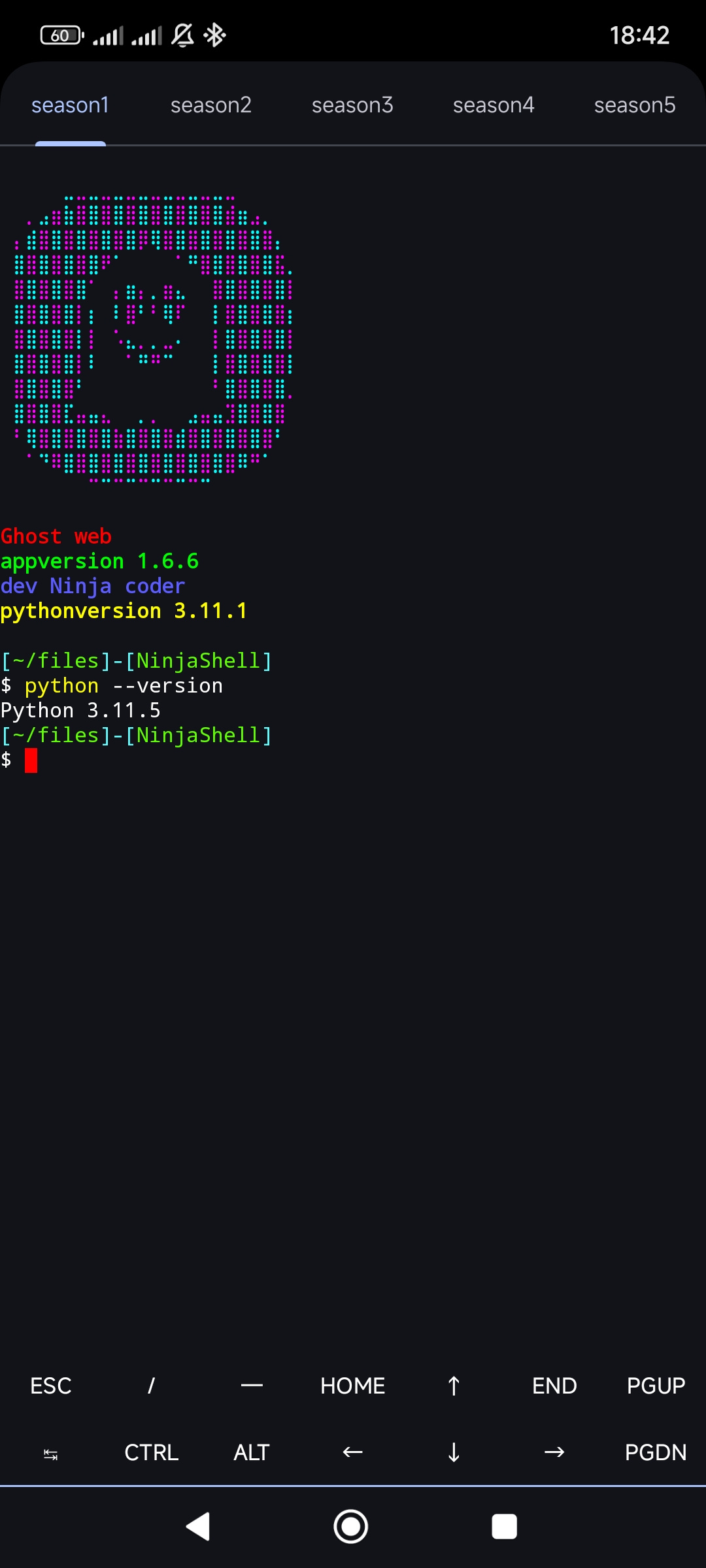
- This is a question that many people have. Well, it's better to say that it's because of the PHP and Python executables and the Kotlin executables.
- Unlike other programs, Ghost IDE is very lightweight. We want you to have all the files in one place so you don't need to download them again.
- It doesn't matter if you are a programmer or not, you can contribute to this repository thisand share your own themes Just don't forget to add your theme and preview to the main json of the repository after you're done uploading it.
- We have also created a background storethis for you, so if you need variety, you can download the background or even set it for the editor code. You just need to uncolor the following keys 1:
line_number_background2:whole_background3:backgroundcolorlinear - We also created a font store for your taste this, which includes Iranian and foreign fonts. Ghostide serves you because it was created to serve.
- You can learn how to create a theme here click
- Support for multiple languages
- Free App
- Run Python & Php scripts
- pip support (80%)
- Material Colors
- Auto-save functionality
- Git integration
- Plugin system
- HTML file reader(show system icon svg png ...)
- Sass and Scss compiler
- Java fx compiler
- Kotlin compiler v2
- Compile Ts tsx jsx nodejs
- Java Helper (99%) (Create constructor,Getter and setter and..)
- Html lsp(custom mod 50%)
- Fast type
- Less Compiler
- JavaCc Compiler
- Git manager (30%) (Need help)
- CodeFormatter (80%)
- Ninja Compiler (my lang)
- Physical keyboard support
- HTML
- CSS
- JavaScript
- TypeScript
- Python
- Php
- Sass Scss Less
- Java
- Javacc
- Kotlin
- Swift
- C++
- C#
- Ruby
- SQL(code formatter bad work)
- Rust
- Shell
- Markdown
- Go
- Tsx && jsx
- zig
- lua
- r
- C
- Refactoring: Code refactoring supported to improve performance and speed of program.
We invite you to collaborate on Ghost IDE under the following conditions:
- Use
testfor testing purposes. - Create new attributes with
attribute. - Use
refactorto clean up the code.
Please Note: This project is entirely written in Java. Kotlin contributions will only be accepted under special circumstances.
- You are not allowed to register this program under your own name.
- This is an open-source project under the Ghost Web brand.
Ghost IDE supports code snippets. Here's an example:
{
  "snippet1": {
    "description": "این یک قطعه کد تستی است",
    "prefix": "test",
    "body": "console.log('این یک تست است');"
  },
  "snippet2": {
    "description": "قطعه کد دیگری برای تست",
    "prefix": "test2",
    "body": "console.log('تست دوم');"
  }
}{
"snippet1": {
"description": "This is a piece of test code",
"prefix": "test",
"body": "console.log('This is a test');"
},
"snippet2": {
"description": "Another piece of code to test",
"prefix": "test2",
"body": "console.log('second test');"
}
}You can name your snippets with lowercase English letters, as in the examples above. In the future, all languages supported by Ghost IDE will support this feature.
Ghost IDE offers a variety of keyboard shortcuts for physical keyboards from FileManager Activity:
Ctrl + F: Create new fileCtrl + G: Git cloneCtrl + S: Open settingsCtrl + F1: Create new folderCtrl + J: Convert JSON to JavaCtrl + D: Open drawerCtrl + A: Open APK viewerCtrl + T: Open terminal
- Currently we do not have the ability to create plugins, but this feature will be available in the future.
backgroundcolorlinear: Main background color of the entire editortoolbarcolor: Background color of the toolbartoolbartextcolor: Text color in the toolbarmenubackground: Background color of menusmenuPosBackground: Background color for selected menu itemsmenuPosTextColor: Text color for selected menu itemstabback: Background color of tabstabtextcolor: Text color in tabstabimagecolorfilter: Color filter for tab iconsline_number_background: Background for line number gutterline_number: Color of line numberscurrent_line: Highlight color for current lineselection_insert: Color for insertion cursor/selectionselection_handle: Color for selection handlesblock_line: Color for code block linesblock_line_current: Color for current code block lineline_divider: Color for dividers between linesnon_printable_char: Color for non-printable characters
- If you want to use the background image you need to make these keys
line_number_background,whole_backgroundandbackgroundcolorlinearandline_divider.#0000000continue to pay attention to the main backgroundbackgroundcolorliner
text_normal: Default text colorcomment: Color for commentskeyword: Color for keywordsoperator: Color for operatorsliteral: Color for literalsidentifier_name: Color for identifiersattribute_name: Color for attribute namesattribute_value: Color for attribute values
javakeyword: Java keywordsjavastring: Java stringsjavanumber: Java numbersjavatype: Java typesjavafun: Java functionsjavaoprator: Java operatorsjavaparament: Java parametersjavafield: Java fields
jskeyword: JS keywordsjsstring: JS stringsjsattr: JS attributesjsfun: JS functionsjsoprator: JS operatorstskeyword: TypeScript keywordstsattr: TypeScript attributestssymbols: TypeScript symbolstscolormatch1-7: TypeScript color matching groups
pykeyword: Python keywordspystring: Python stringspynumber: Python numberspysymbol: Python symbolspycolormatch1-4: Python color matching groups
phpkeyword: PHP keywordsphpattr: PHP attributesphpsymbol: PHP symbolsphpcolormatch1-6: PHP color matching groupsphphtmlkeyword: PHP+HTML keywordsphphtmlattr: PHP+HTML attributes
htmltag: HTML tagshtmlattr: HTML attributeshtmlattrname: HTML attribute nameshtmlsymbol: HTML symbolshtmlblocknormal: Normal HTML blocks(</)htmlblockhash: HTML block hashes(>)
csskeyword: CSS keywords
- soon
fabbackgroundcolorcolor: Floating action button backgroundfabimagecolor: Floating action button icon colorfabcolorstroker: Floating action button stroke colorauto_comp_panel_bg: Autocomplete panel backgroundauto_comp_panel_corner: Autocomplete panel cornersdisplaytextcolortab: Text color for displayed tabsnavstatusbar: Navigation status bar colorbackgroundcolorlinear: Linear gradient background colorprint: Color for print-related elements
breaklevel1-8: Colors for different breakpoint levels like in ({}()[])
- see in link


